Start Collaborating
Tired of juggling multiple tools, manually syncing files, and losing context? Eymbr AI Workspace eliminates fractured workflows by bringing AI and users side by side in a single, intelligent environment.
More than Document Creation
Eymbr AI Workspace enables collaborative document workflows by allowing users and AI to work within the same document simultaneously, with AI-generated edits applied as tracked changes that preserve original content. Users can interact with AI via a sidebar to request revisions, compliance checks, or answer questions without leaving the editor, maintaining workflow continuity. Exported documents retain all collaborative elements—tracked changes and unresolved comments—are preserved in MS Word format, ensuring seamless transition between digital collaboration and offline review. This integration reduces context switching and helps maintain adherence to organizational standards through template-guided structuring and automated compliance checks against loaded training materials.
Eymbr AI Workspace isn’t just another AI tool. It’s your collaborative partner. While other platforms force you to work in isolation, exporting and re-importing files, Eymbr lets you co-author, edit, and query documents in real time. With 128K token context, structural awareness of complex files, and permanent semantic memory, Eymbr ensures every edit, question, and draft builds on your entire knowledge base without manual syncing or context loss.
AI Productivity Features
AI Author
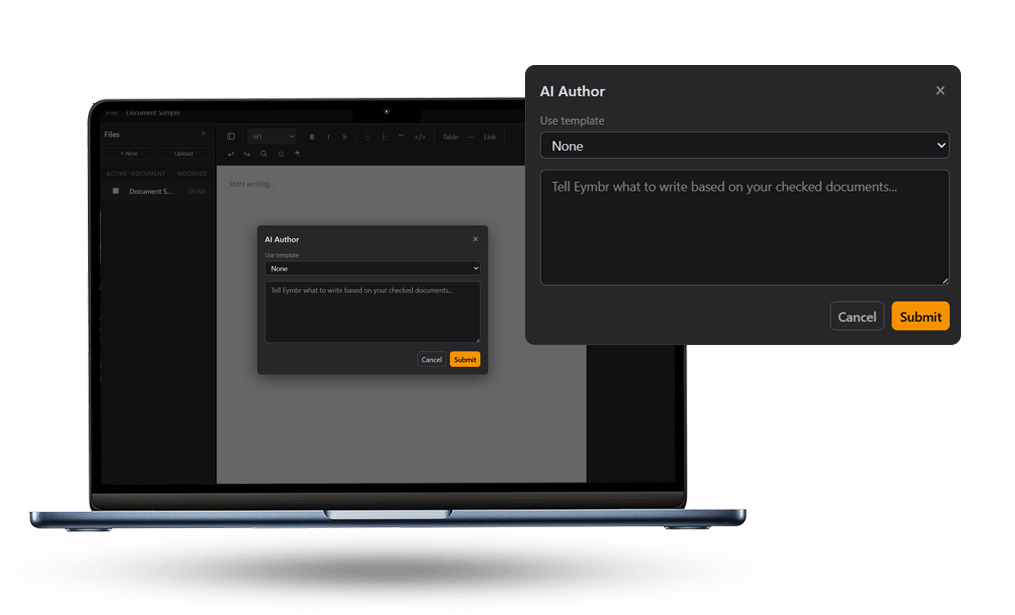
Eymbr’s AI Author integrates reference materials directly into document creation by reading checked reference documents to extract relevant content, building structured outlines based on extractions, templates, and existing document content, and writing sections in real time with full awareness of prior content to eliminate repetition (Eymbr AI Workspace # AI Author). This process ensures alignment with organizational standards and source material from inception.
AI Edit
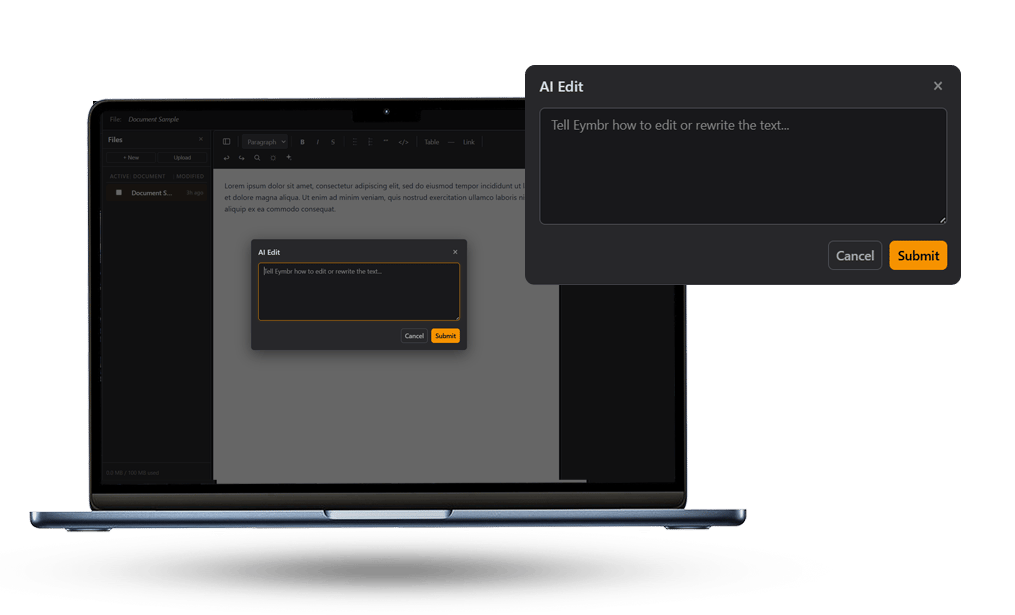
Traditional AI tools often overwrite user input or require manual conflict resolution or worse re-write the full doc for a simple change, but AI Edit collaborates by generating suggestions as tracked changes while preserving original text. Users can highlight a paragraph and instruct Eymbr to “tighten this up” or “check for compliance,” with edits applied as suggestions that can be accepted or rejected. This approach maintains document integrity and supports iterative refinement without overwriting user contributions.
AI Questions
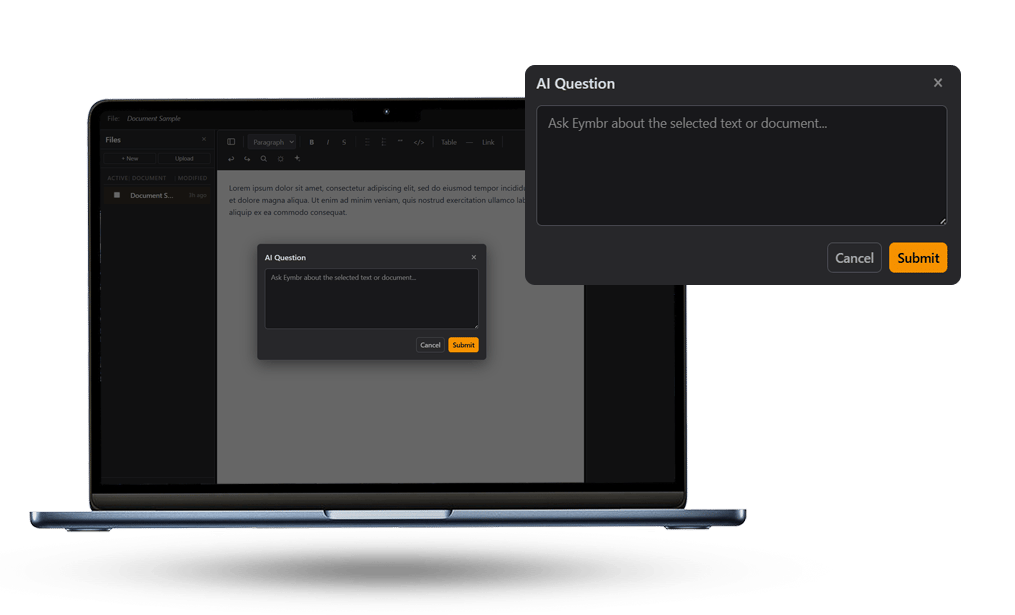
Switching between AI chat platforms and document editors such as Microsoft Word to verify information disrupts workflow, but Eymbr’s AI Questions feature allows users to ask queries directly in the document sidebar. Eymbr cross-references the query against all workspace content, training materials, to deliver precise answers without leaving the editor. This capability ensures contextual accuracy and maintains focus by eliminating the need to juggle multiple applications or manually sync information between them, a limitation noted in tools like Claude’s Projects and ChatGPT’s file-handling workflows.
Ready to Work Smarter?
Ditch the copy-paste chaos. Experience collaborative document creation that respects your time and expertise.